Add a job from your phone
A simple editor at /admin to add jobs, photos and posts yourself, without breaking anything.
Owner editing
The site should get better every time you finish a job. So each site comes with an editor at /admin: sign in, take a few photos, write two lines about the job, and publish.
It only edits what you should edit. The design, the menus and the code stay put, so there is nothing to break.
What’s included
- An editor at /admin, signed in with GitHub
- A journal of jobs or posts: title, town, service, photos, a few lines
- Photos resized and compressed for phones automatically
- Each new entry gets its own page, share image and place in the sitemap
- A short guide written for your site
Noonday · concrete
Marquez Concrete
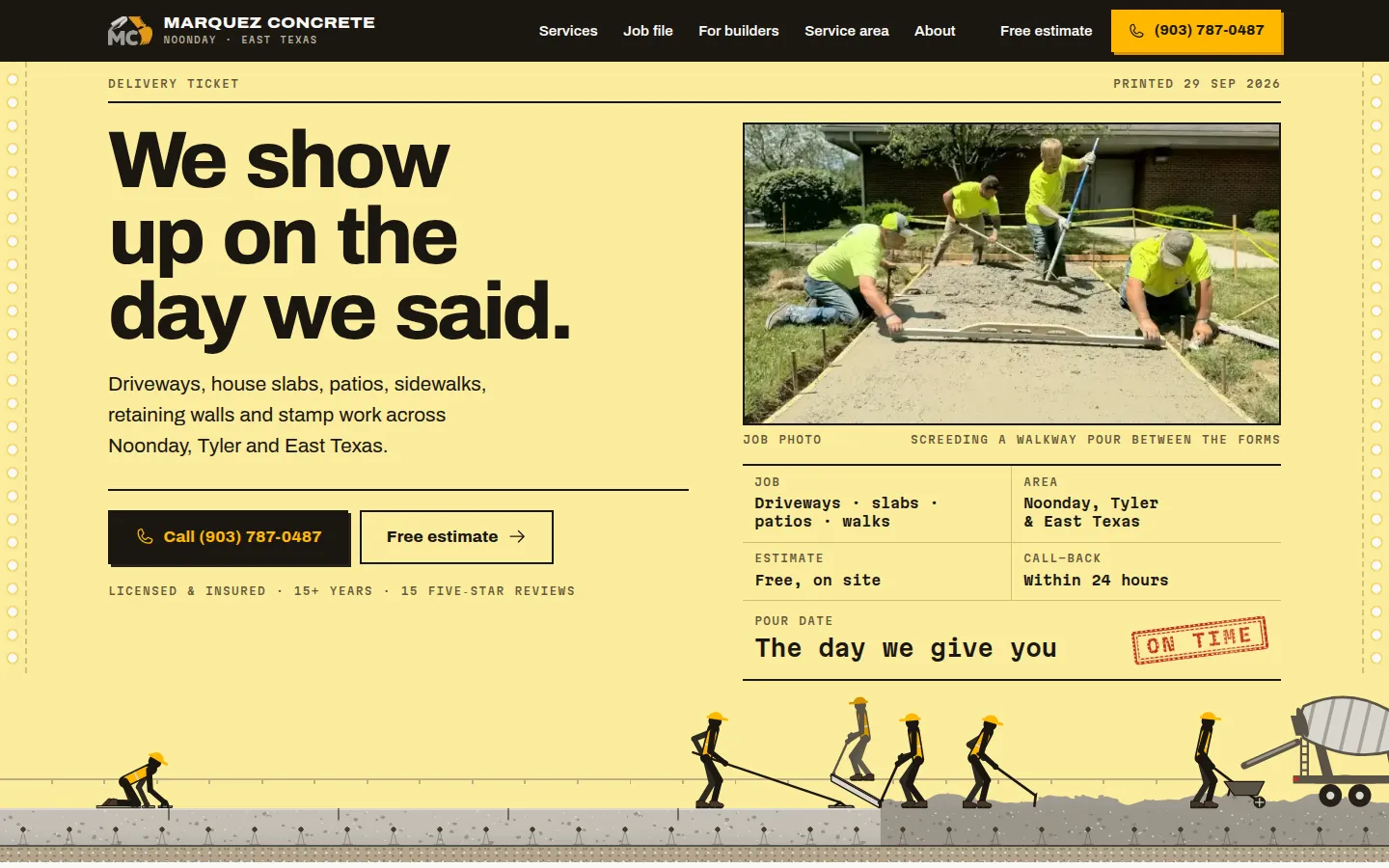
Marquez’s job file is edited from /admin, one job per page.
Read the case studyQuestions
Is it hard to use?
It is a form: a title, a few photos, a couple of sentences, a publish button. If you can post to Facebook you can add a job.
How long until a new job shows up?
The site rebuilds itself when you publish. It is usually live within a few minutes.
Tell us what you do
A few questions about your business and what you need. We read every one and write back with what we’d build, what it takes, and a written quote.
- 1 You answer a few questions, about five minutes.
- 2 We look at your business and anything you already have.
- 3 You get a written plan and a fixed quote.